User Troubleshooting
Common operational issues and actions
| Symptom | Likely cause | Operator action | Escalation trigger |
|---|---|---|---|
| No live weight updates | TruConnect disconnected or wrong input source | Check TruConnect running state and input source mapping | Escalate if no data after restart/config check |
| Cannot create weighing | Missing role permission or station context | Re-login and verify role + station assignment | Escalate when role appears correct but API still rejects |
| Scale test does not complete | Temporary service interruption | Retry once and capture the exact response | Escalate with trace/request ID and timestamp |
| Invoice not moving to paid | Callback delay or pending payment | Check payment prompt completion and retry status check | Escalate if still pending beyond SLA |
| Payment status not accepted | Missing required reference parameter | Re-open invoice and confirm reference fields | Escalate to technical team for endpoint behaviour |
| Case not closing after compliant reweigh | Missing payment/memo/reweigh linkage | Verify every prerequisite object is present | Escalate when all prerequisites are complete |
Quick diagnosis by module
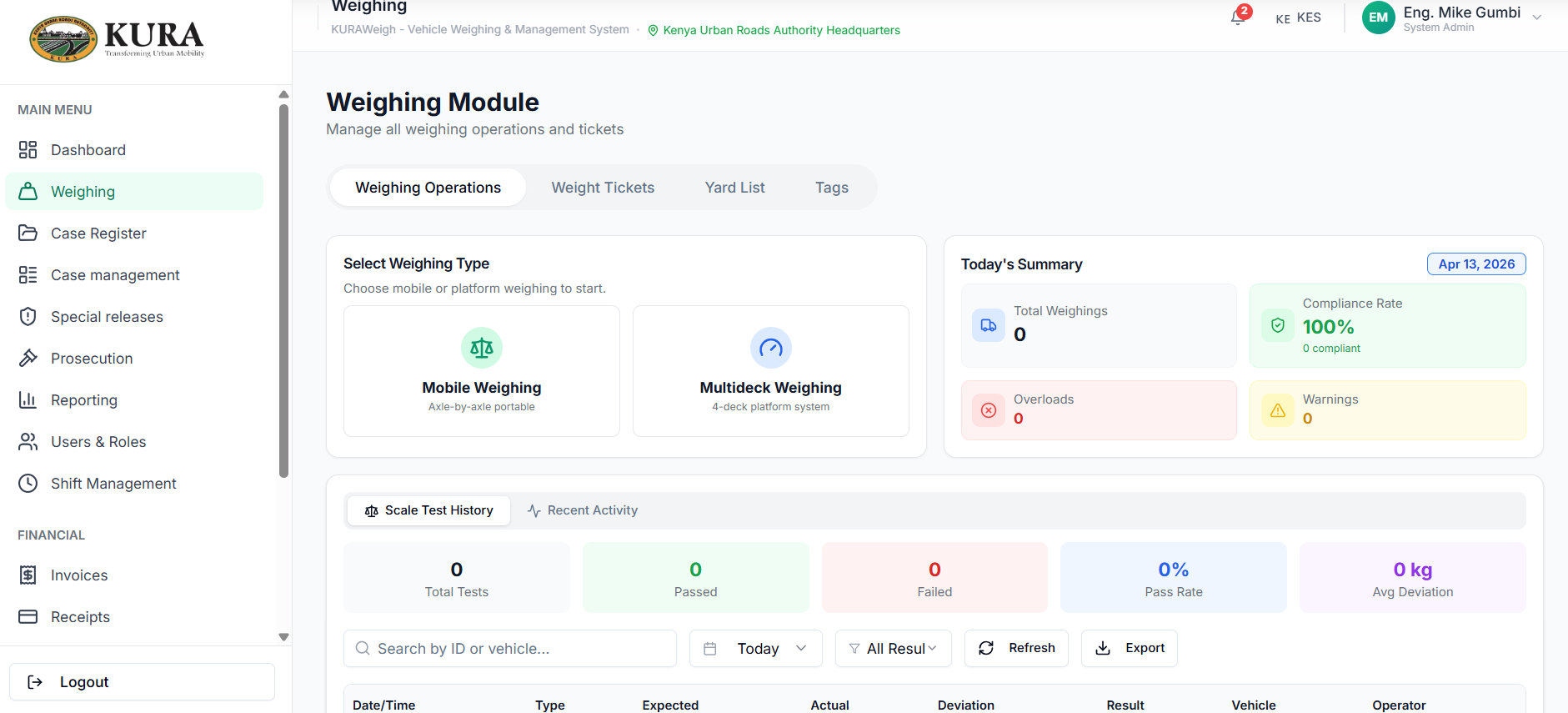
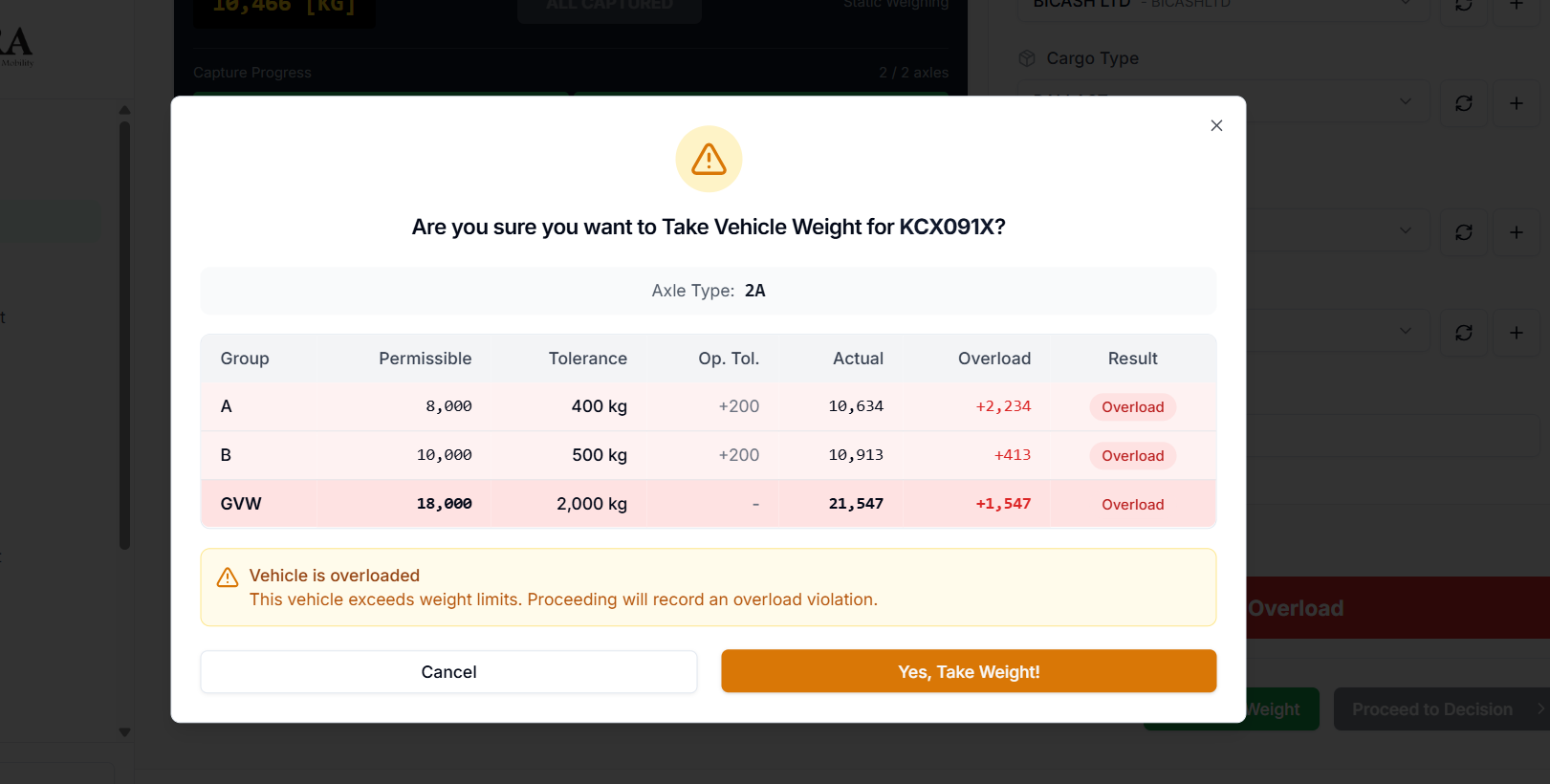
Weighing
- Confirm scale connection.
- Confirm station and shift context.
- Confirm vehicle metadata is valid.
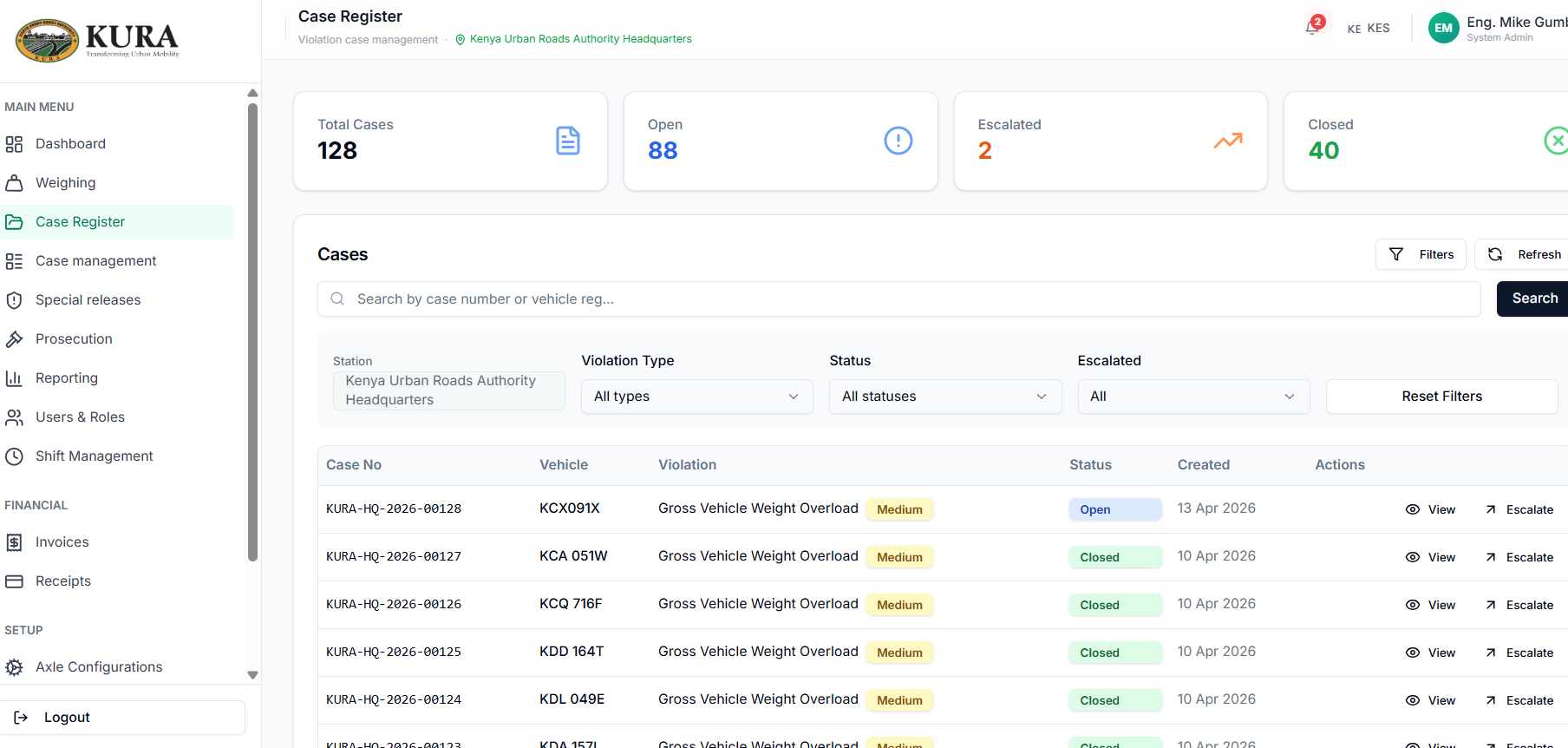
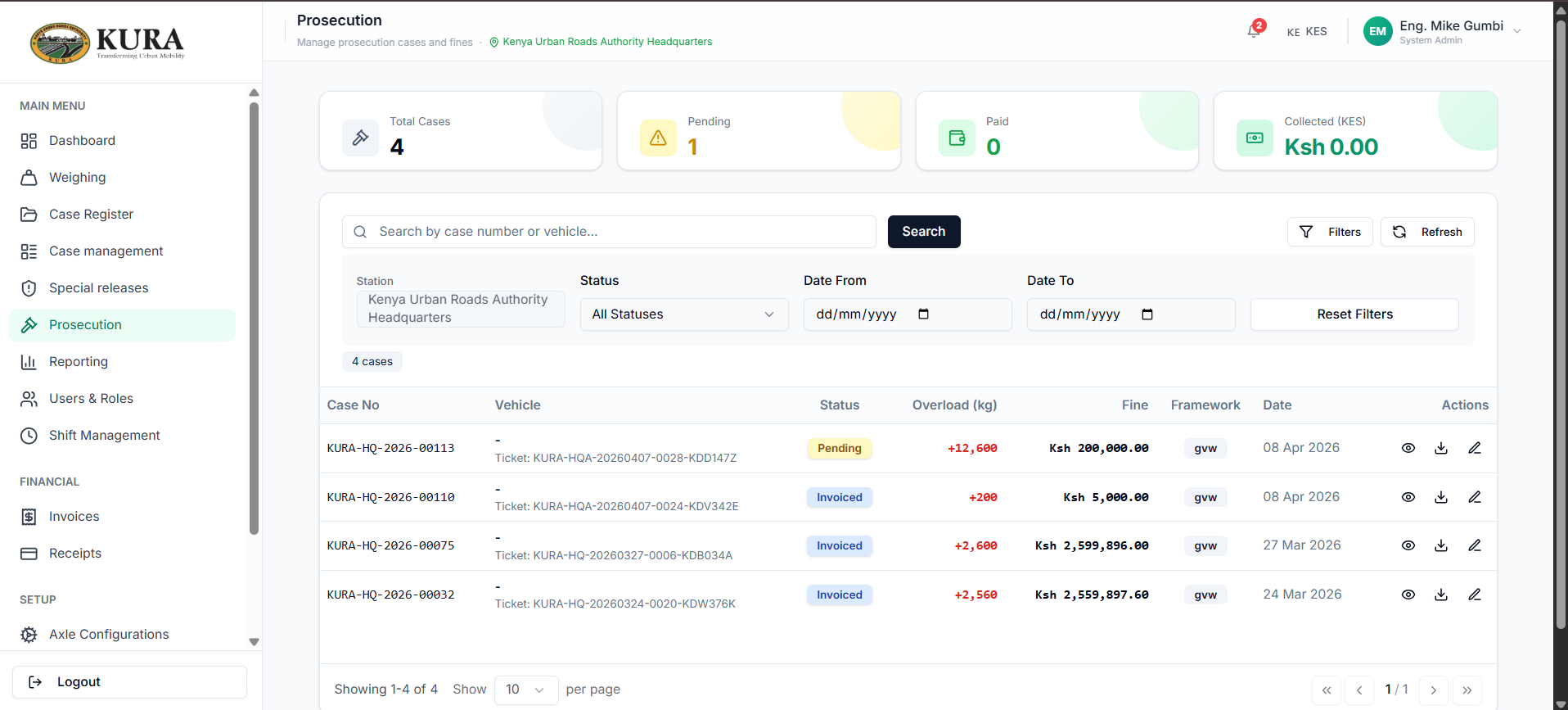
Case and prosecution
- Confirm case exists and status is correct.
- Confirm prosecution record is linked.
- Confirm invoice exists before settlement attempt.
Payments and receipts
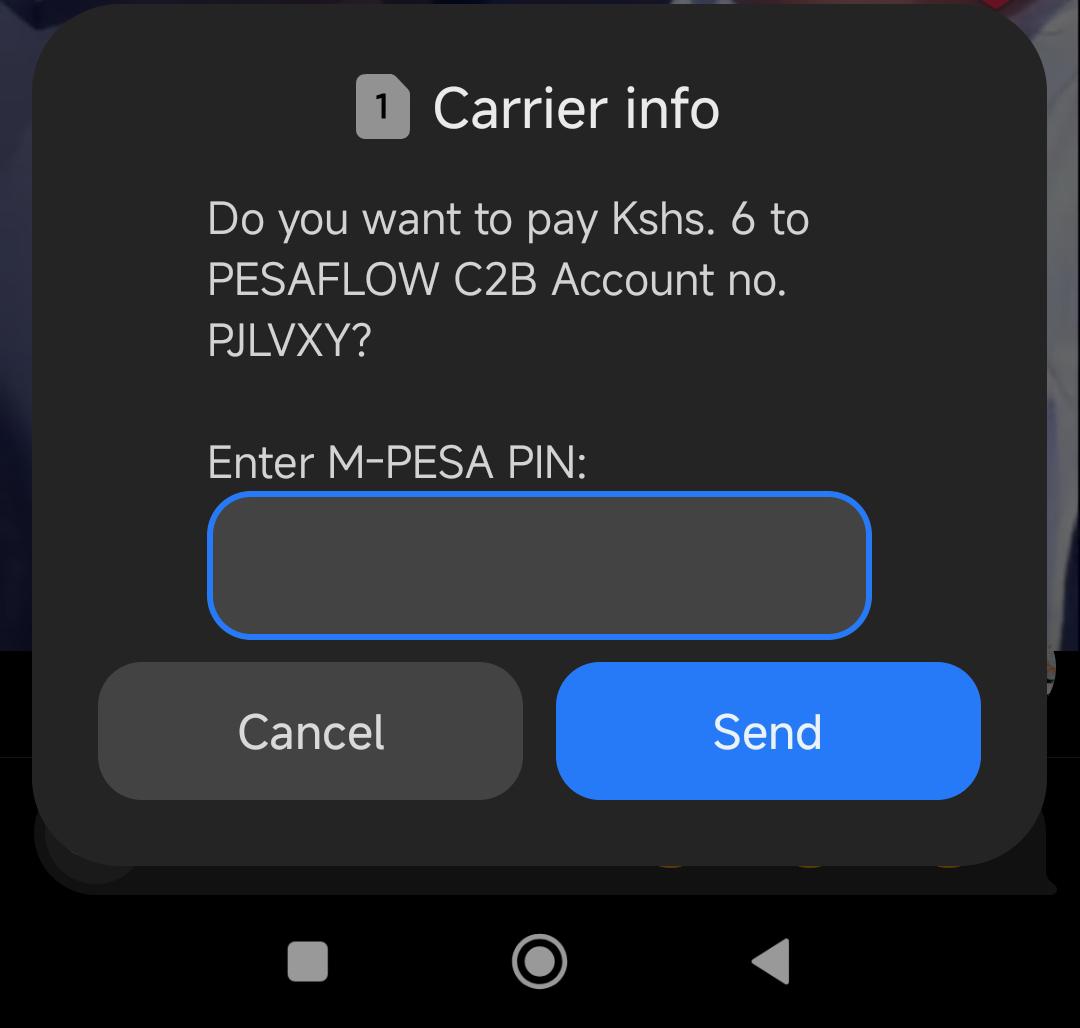
- Confirm payment prompt reached user.
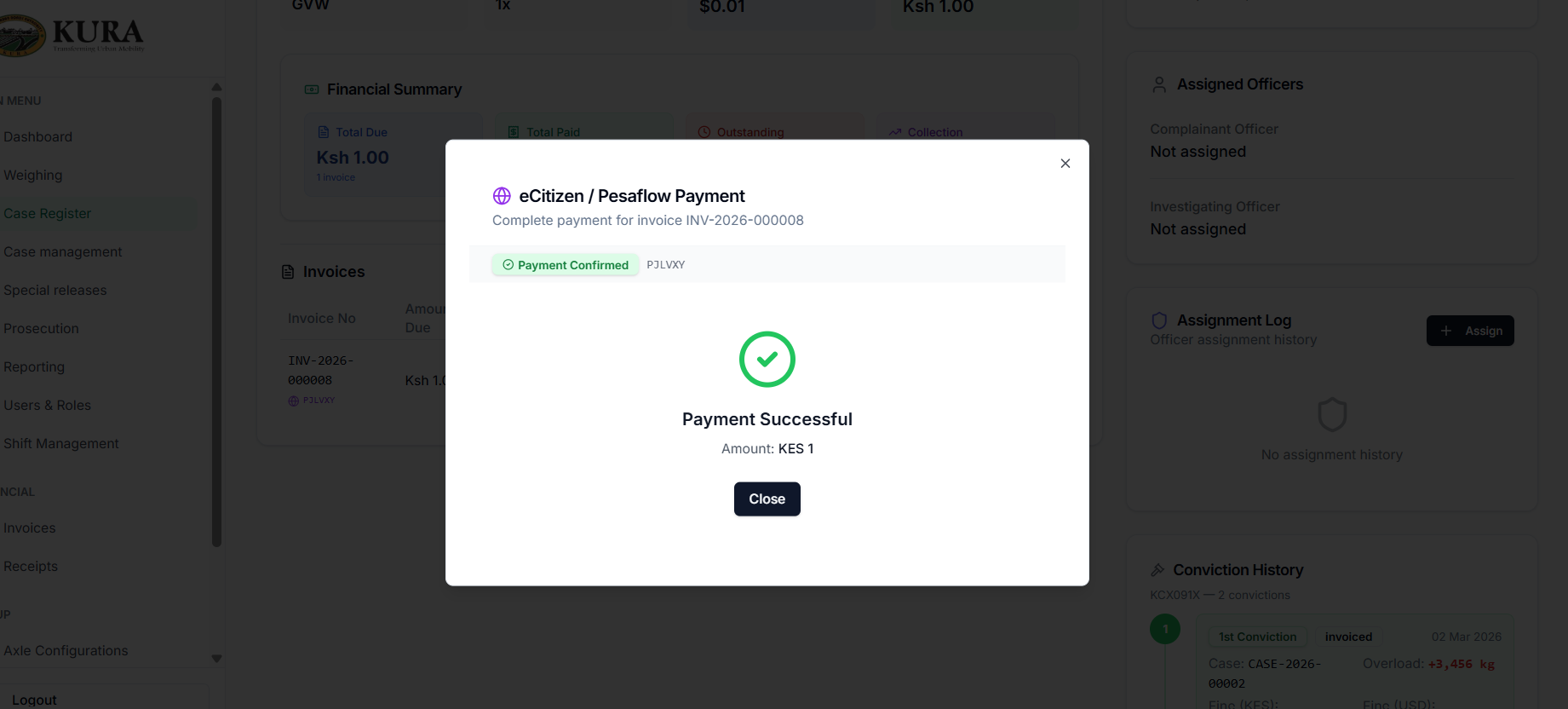
- Confirm success modal displayed.
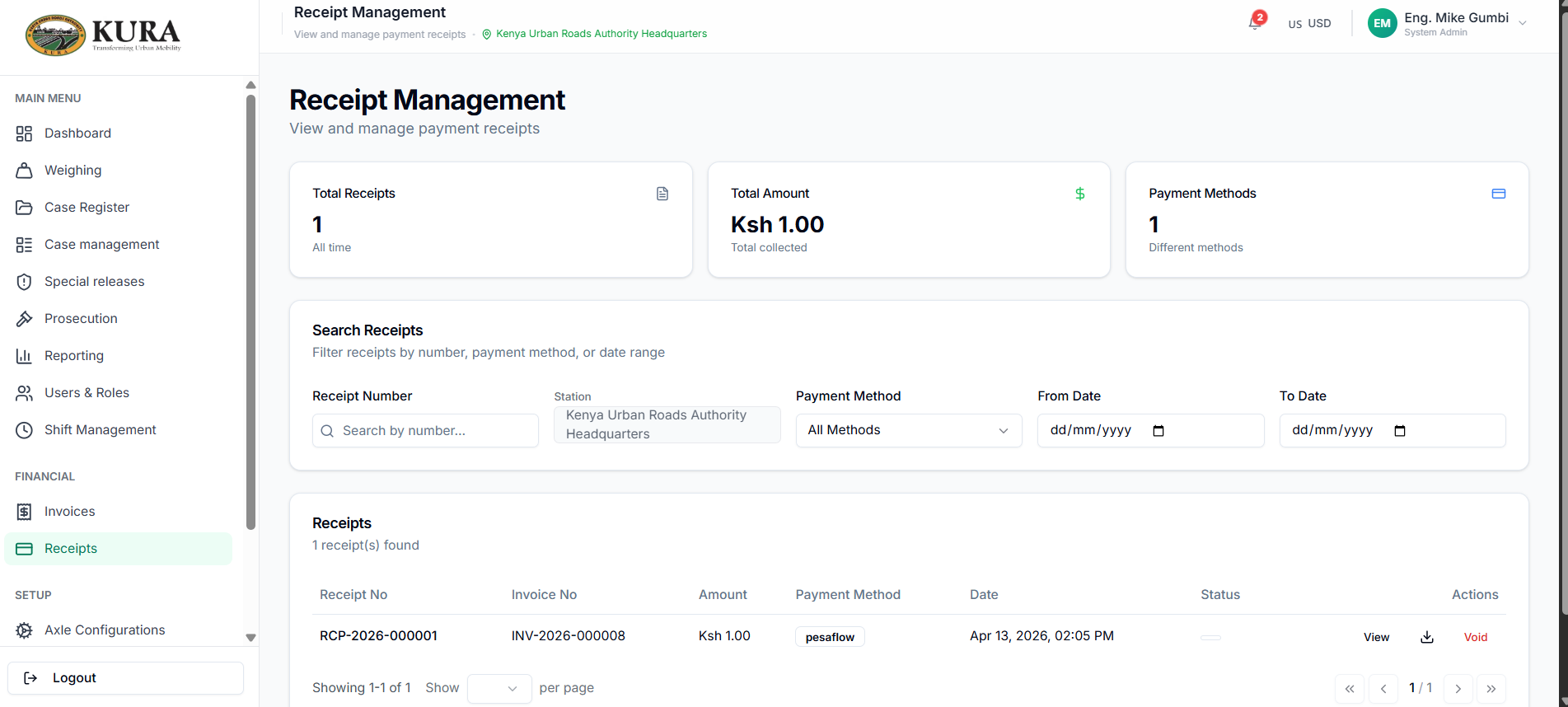
- Confirm receipt record exists in receipts page.
Escalation package (always include)
- Screenshot of failing screen/modal.
- Module name and exact action performed.
- Station, user, and timestamp (UTC).
- Request/correlation/trace ID from response where available.
- Last successful step before failure.